Your phone as a remote for VLC on the TV PC
Телефон — пульт для VLC на компьютере у телевизора
A free Android remote for VLC media player on a Windows PC or laptop connected to a TV. With the small Windows companion it shows your movies and series as posters, remembers where you stopped, finds the PC by itself and keeps working over Bluetooth when Wi‑Fi is gone. No media server, no transcoding — VLC plays your files as they are. Formerly called VLC Remote.
Бесплатный пульт на Android для VLC на компьютере или ноутбуке у телевизора. С небольшим компаньоном для Windows он показывает фильмы и сериалы постерами, помнит, где вы остановились, сам находит ПК и продолжает работать по Bluetooth, если пропал Wi‑Fi. Без медиасервера и перекодирования — VLC играет файлы как есть. Раньше назывался VLC Remote.
Windows 10/11 with VLC 3.0.x · Android 8+ · Free and open source (GNU GPL v3)
Windows 10/11 с VLC 3.0.x · Android 8+ · Бесплатно, открытый код (GNU GPL v3)
What it does
Что умеет
A real remote
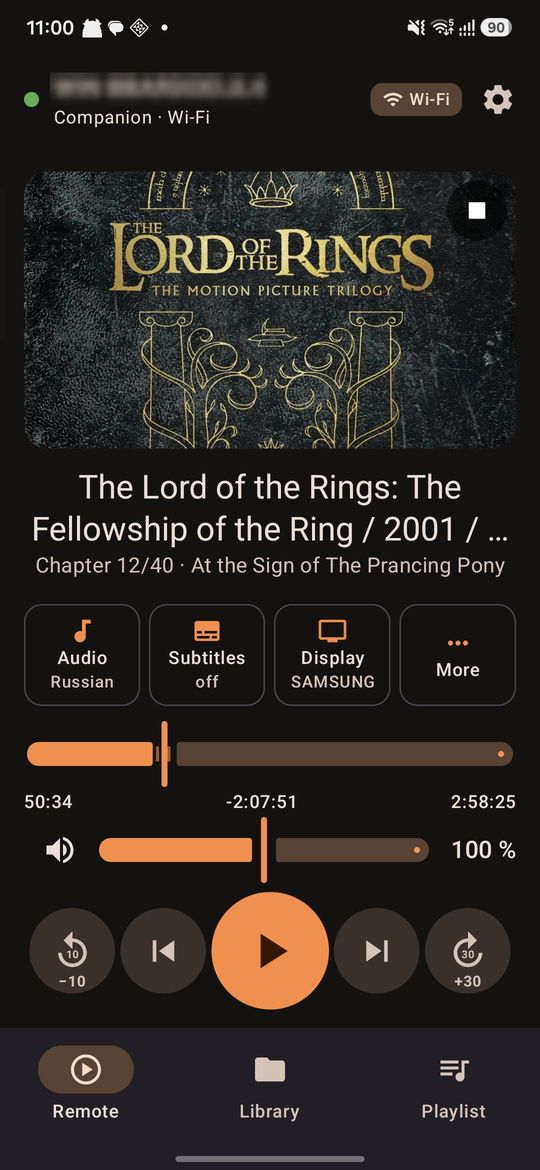
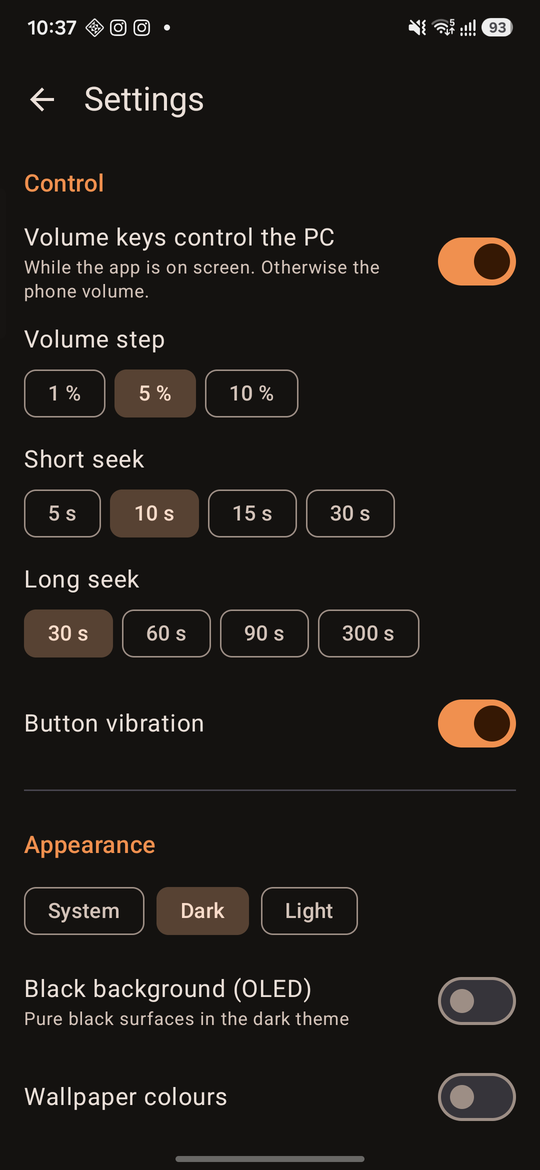
Play/pause, ±10/30 s seeking, scrub bar with chapters, volume keys, audio and subtitle tracks with languages, delays, speed, fullscreen.
Настоящий пульт
Пауза, перемотка ±10/30 с, полоса с главами, кнопки громкости телефона, дорожки и субтитры с языками, задержки, скорость, полный экран.
Library with posters
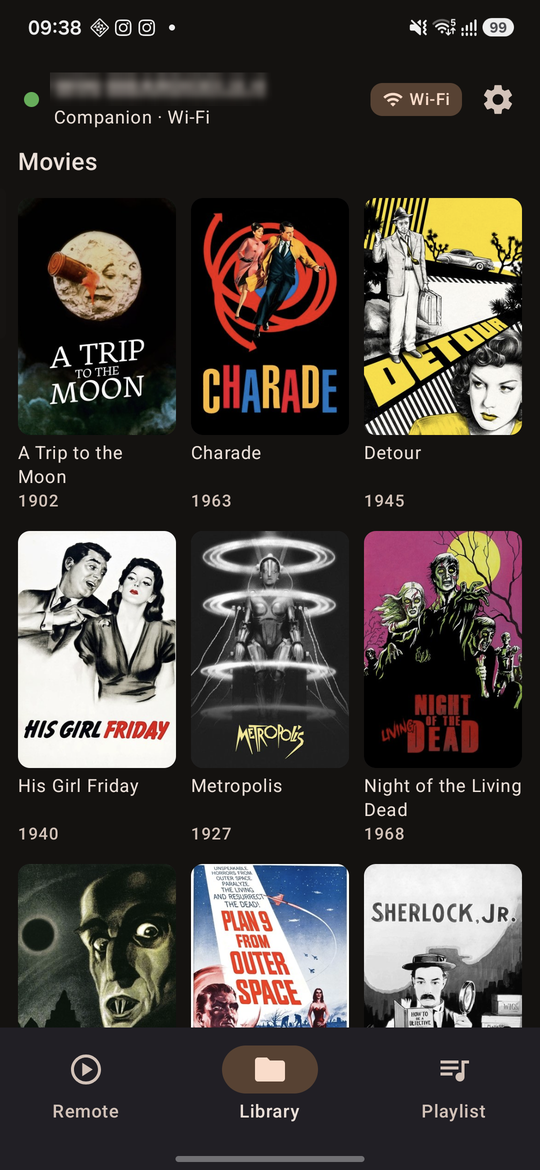
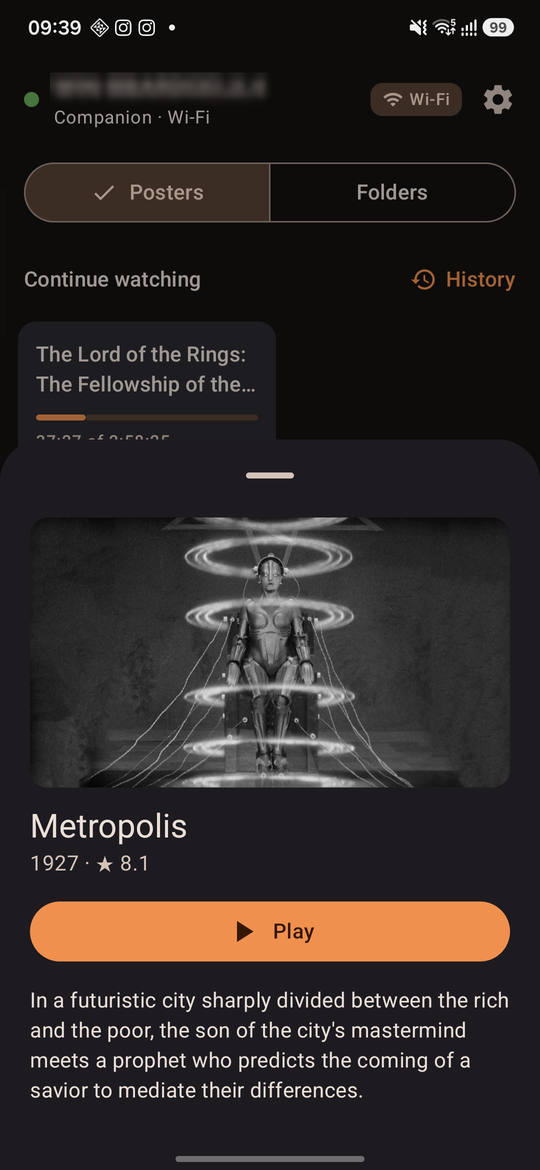
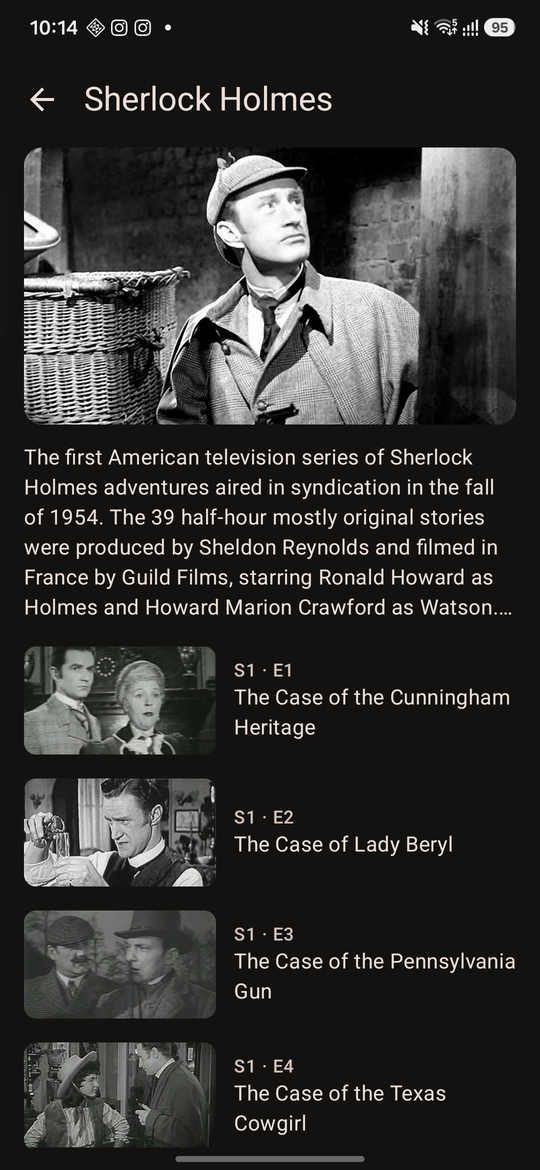
Pick your media folders on the PC; movies and series appear with posters, descriptions and ratings from TMDB. Folders and network shares stay one tap away.
Медиатека с постерами
Выберите медиапапки на ПК — фильмы и сериалы появятся с постерами, описаниями и рейтингами из TMDB. Папки и сетевые диски тоже под рукой.
Continue watching
Resume where you stopped, the next episode is offered, watched marks everywhere, and the voice-over and subtitles you chose are kept for the whole series.
Продолжить просмотр
Продолжение с места остановки, следующая серия, отметки «просмотрено», а выбранные озвучка и субтитры запоминаются для всего сериала.
Made for the TV
VLC opens fullscreen on the TV, the right audio device is restored, the laptop works with the lid closed and survives the TV being switched off.
Сделано для телевизора
VLC открывается на весь экран телевизора, нужное аудиоустройство возвращается само, ноутбук работает с закрытой крышкой и переживает выключение ТВ.
Just works
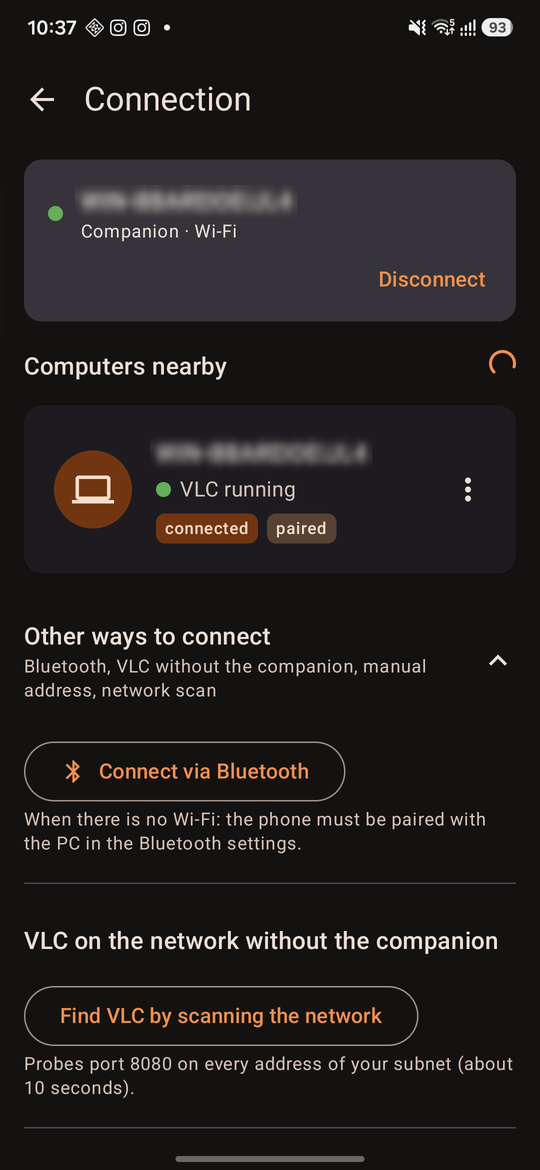
The app finds the PC, the code appears on the TV, done. Bluetooth takes over when Wi‑Fi drops. The companion sets up the firewall with one prompt and updates itself.
Просто работает
Приложение находит ПК, код появляется на телевизоре — готово. Если пропал Wi‑Fi, работает Bluetooth. Компаньон настраивает брандмауэр одним запросом и обновляется сам.
Open and private
Everything stays in your home network; no account, no cloud, no ads. GPL-3.0 source code on GitHub.
Открыто и приватно
Всё внутри домашней сети: без аккаунтов, облака и рекламы. Исходный код на GitHub под GPL-3.0.
Get started
Как начать
- On the PC at the TV, run Sofabird-Setup.exe and allow the setup window to configure the firewall; choose your media folders.
- On the phone, install the APK from the latest release.
- Open the app, tap your PC and type the code shown on the TV.
- На ПК у телевизора запустите Sofabird-Setup.exe, разрешите окну настройки настроить брандмауэр и выберите медиапапки.
- На телефон поставьте APK из последнего релиза.
- Откройте приложение, выберите ПК и введите код, который появится на телевизоре.